Top 5 Free Viral Content Generators for Instagram
Free AI tools for brainstorming, captions, visuals and Reels to simplify viral Instagram content creation.
Free AI tools for brainstorming, captions, visuals and Reels to simplify viral Instagram content creation.
4.98 /5 - from 58k reviews
Trusted by 50,000+ creators — get real engagement delivered to your profile in minutes, not days.
Creating viral Instagram content can feel overwhelming, but free AI tools make it much easier. These tools help with brainstorming ideas, writing captions, and even producing videos. Here’s a quick rundown of five standout options:
These tools save time and simplify content creation, helping you stay consistent and boost engagement. Choose one or two that fit your needs and start experimenting today!
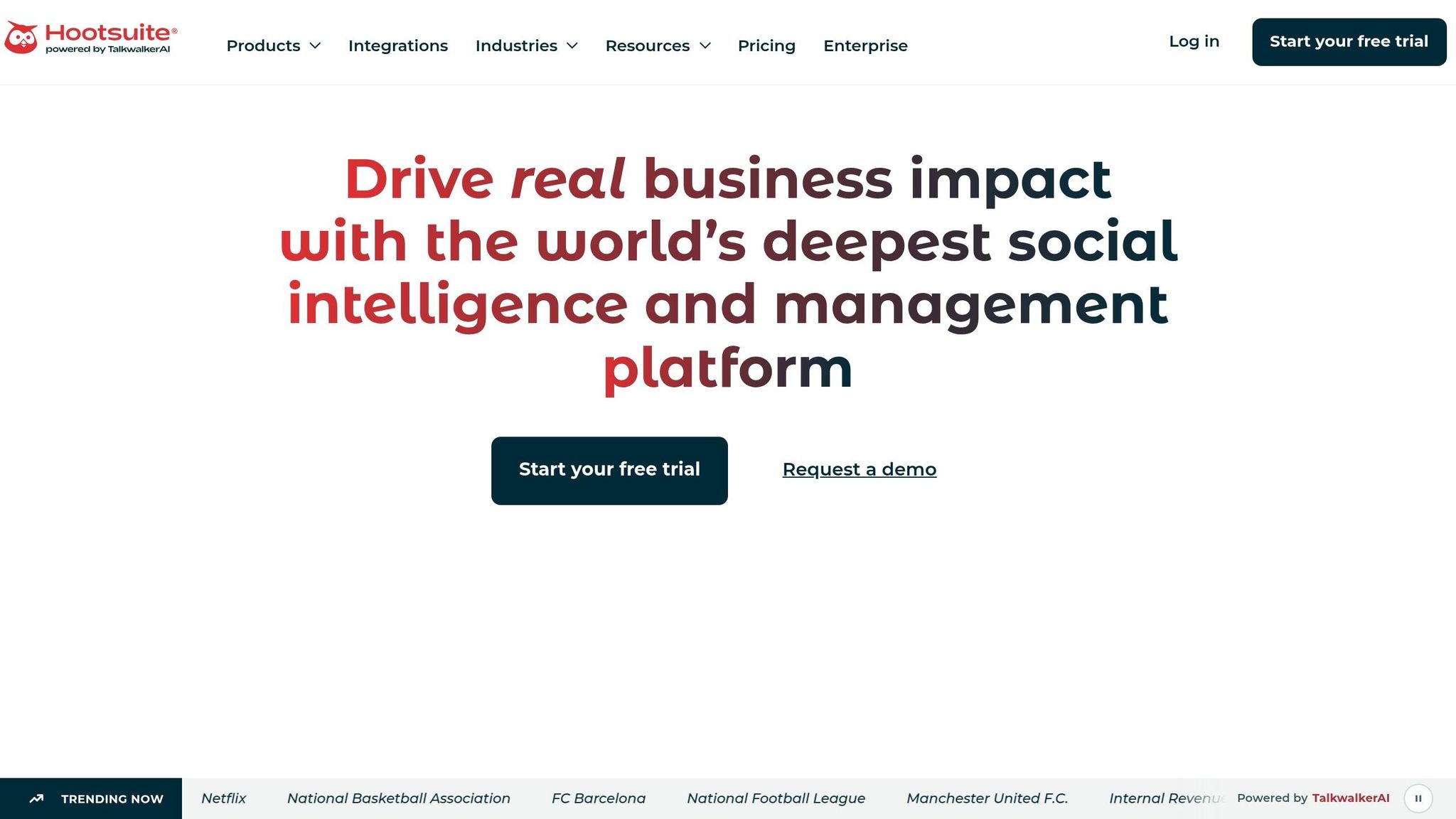
The Hootsuite AI Content Ideas Generator is a free, web-based tool powered by ChatGPT. You don’t even need to log in - just open it, type in your keywords, and get ideas in seconds.
Here’s how it works: you can input up to five nouns and one primary keyword, and the tool will generate three unique content ideas each time. The more specific your keyword, the more tailored the results. For instance, using "sustainable fashion" instead of a broad term like "clothes" will yield more focused suggestions.
It’s designed to support various Instagram formats, including feed posts, Reels, carousels, and Stories. This makes it easier to diversify your content across different styles.
That said, it’s important to know its limitations:
As Chloe West, a digital marketer, explains:
"OwlyWriter AI uses ChatGPT's language model, but it's trained on Hootsuite's social media playbook... you get the speed of AI, plus the strategy behind thousands of successful social posts."
This tool is perfect for those moments when your content calendar feels empty, and you need quick inspiration. Pair these ideas with Hootsuite’s free Caption Generator to create Instagram-ready posts.
If you're exploring free AI tools to create viral content, Canva's design-focused approach is worth considering. Canva's free plan includes an AI-powered social media post generator that supports key Instagram formats like square (1:1), portrait (4:5), and vertical (9:16) for Stories and Reels.
Unlike tools that turn prompts directly into designs, Canva relies on customizable templates. You'll need to manually adjust elements like colors, fonts, and layouts, giving you more control over the final look. However, this also means spending extra time fine-tuning each post.
The free version offers access to thousands of templates, basic AI text suggestions, and standard design assets. This setup allows you to maintain consistent visual branding, even though it requires more hands-on effort. For instance, when creating a carousel post - which continues to drive the most engagement on Instagram in 2026 through saves, shares, and comments - you can tailor every slide to align with your brand's style.
Canva's free tier is ideal for creators who value control over their designs and want to ensure their visual branding stays cohesive.
While Canva takes care of design, ViralityAI steps in to provide high-impact content ideas. Instead of focusing on visuals, this tool ensures your posts align with current trends and resonate with your audience.
ViralityAI specializes in generating trending ideas and crafting effective hooks - it’s about what to post, not how to design it.
The platform supports a variety of Instagram-ready content formats, including:
Additionally, it allows you to search trending keywords and browse high-performing videos and photos from other creators in your niche. This makes it a perfect companion to streamline your content planning.
The free plan offers a solid starting point, including:
This setup is great for creators aiming for consistent, moderate posting.
However, free users won’t have access to advanced filtering, A/B testing, or in-depth content analytics. If you’re looking to refine your strategy for specific audience segments, the lack of these features might feel restrictive.
ViralityAI is ideal for Instagram creators who have a clear niche but struggle with brainstorming fresh angles or hooks. For those seeking strong content direction, this tool is a valuable addition to your toolkit for crafting viral posts.
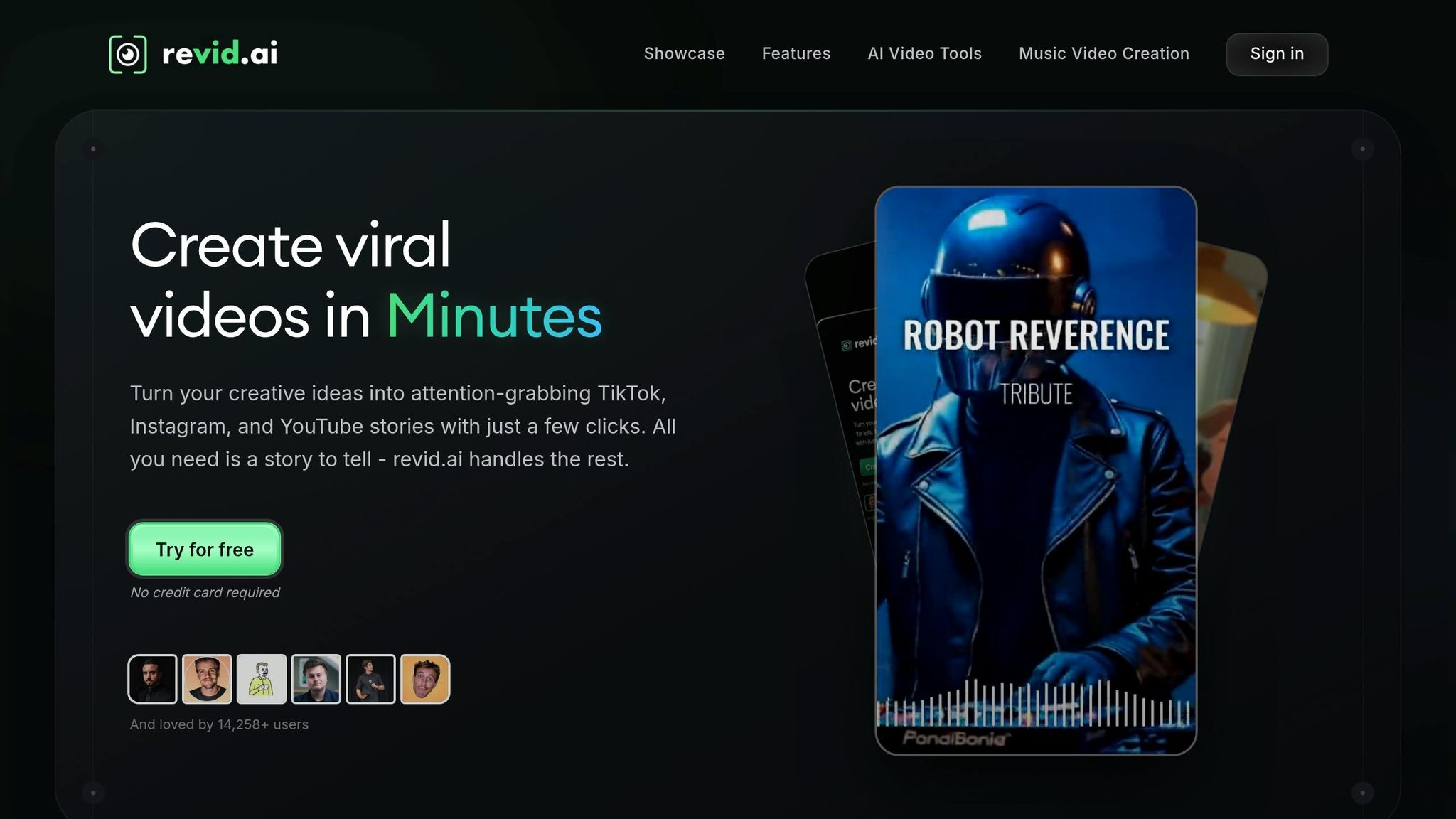
Revid AI simplifies the process of how to make Reels on Instagram by transforming a script, URL, tweet, or LinkedIn link into a polished 9:16 vertical video. The platform handles everything - AI-generated visuals, voiceovers, styled captions, and background music - without requiring any professional tools or expertise. With over 50 voiceover options, you can even provide specific directions in square brackets to guide the visuals (these instructions won't appear in the final video). This streamlined approach makes video production accessible, even on the free plan.
Unlike tools that focus on sparking ideas, Revid AI takes the next step by automating the production process. The free plan is a great starting point - it doesn’t require a credit card and offers three free videos. You’ll have access to the full production pipeline, including a built-in editor for trimming clips, adjusting audio, and adding overlays. However, free accounts come with limited, non-renewable credits, so once they’re used up, upgrading to a paid plan ($39/month) unlocks more video creation options.
"I mostly use it for my Shorts and Reels because it exports in the right formats." - Suzie P., Content Creator
For creators aiming to post 3 to 5 Reels weekly, Revid AI can be a game-changer, helping increase reach and follower growth. Whether you prefer staying behind the scenes, work on a marketing team, or manage multiple clients, this tool takes the hassle out of video production, making it easier to stay consistent and boost engagement.
Copy.ai is a tool designed to spark creativity, especially when you're focused on text-based content. It’s widely recognized for generating ideas tailored to Instagram, such as captions, Reels scripts, Stories prompts, and product descriptions. The versatility it offers makes it suitable for a variety of niches and Instagram formats.
Unlike platforms that provide end-to-end content production tools, Copy.ai’s free tier centers on generating ideas, making it an excellent starting point for brainstorming.
One standout feature of Copy.ai is its ability to combat creative burnout. Feeling stuck? Just enter your niche, target audience, and goal (like attracting more fitness enthusiasts), and within a minute, you’ll get 15–20 customized ideas to work with.
This tool is particularly helpful for brainstorming sessions. It allows you to quickly map out what to post on Instagram every day this week, which you can later refine to align with your brand’s voice and audience. The speed and efficiency it offers make planning your weekly content much smoother.
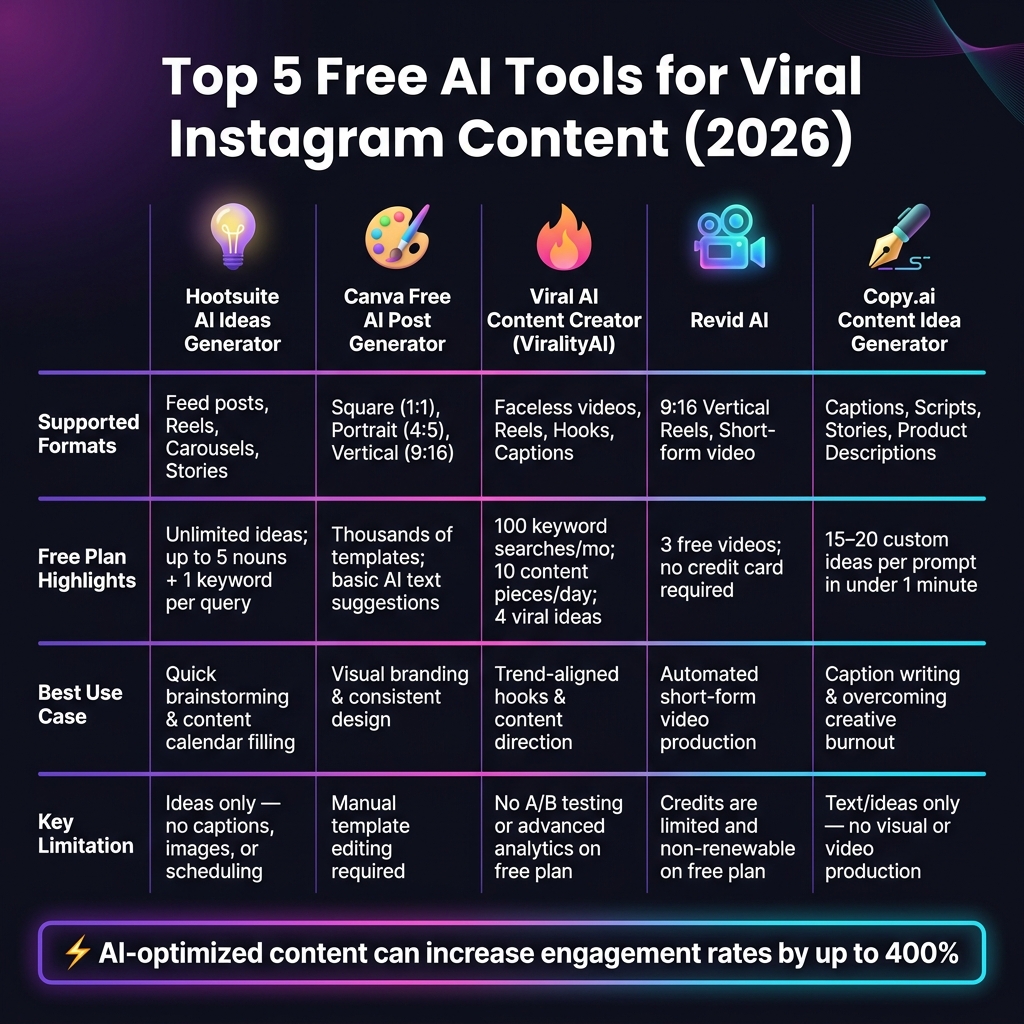
Top 5 Free AI Tools for Viral Instagram Content (2026)
At the moment, Viral AI Content Creator (also called ViralUp) stands out as the only tool with verified details about its free plan. With Instagram content trends leaning toward faceless video creation, this tool caters to a growing niche. This is a key part of any strategy for going viral on Instagram. Here's a breakdown of its free plan features:
| Tool | Supported Formats | Free Plan Limits | Best Use Case |
|---|---|---|---|
| Viral AI Content Creator | Faceless videos, Reels | One free trial render with a watermark; paid plans start at $14/month | Trying faceless video creation for Reels |
The table highlights Viral AI Content Creator's focus on faceless video creation, particularly for testing Instagram Reels. Its approach fills a specific need in free content generation tools.
Each of the tools we've reviewed plays a distinct role in the content creation process. Hootsuite's AI Ideas Generator is perfect for quick brainstorming, Canva's free AI post generator excels at creating visuals, Viral AI Content Creator (ViralUp) is tailored for faceless Reels, Revid AI specializes in short-form video content, and Copy.ai simplifies caption and idea writing. Together, they cover nearly every type of content Instagram prioritizes in 2026 - from carousels that drive saves to attention-grabbing Reels.
The real benefit isn’t just saving time - it’s working smarter. AI-optimized content has been shown to increase engagement rates by up to 400%, and some tools can churn out 20 fresh ideas in under a minute. This means you can quickly build a backlog of content to keep your feed active. However, AI-generated ideas should be seen as a starting point. The most successful creators use these tools to experiment with formats, break through creative blocks, and then add their own voice and personal stories to make the content resonate.
Take these insights and use them to refine your Instagram strategy. Start by choosing one or two tools that align with your workflow and give them a try this week to streamline your content creation process.
For even greater reach, consider pairing these free tools with UpGrow's AI-powered Instagram growth service (https://upgrow.com). It uses advanced targeting filters - like location, language, age, and gender - to ensure your best content reaches an engaged audience.
When it comes to choosing the best AI tool for your Instagram niche, it's all about customization and relevance. Look for platforms that let you input specific details about your industry or audience.
The right tool can make all the difference in connecting with your ideal audience and boosting your Instagram presence.
To ensure AI-generated content aligns with your personal style, start by sharing examples of your best work. This helps the AI understand your unique tone, preferred hooks, rhythm, and vocabulary. When reviewing outputs, offer real-time feedback - tweak awkward phrases or refine calls to action to make them sound more natural. You can also use tools like ChatGPT for Instagram to analyze your top-performing posts. These tools can craft captions and responses that genuinely reflect your brand's voice.
Each format on Instagram serves a distinct purpose in helping you grow. Reels are perfect for reaching fresh audiences via the Reels tab and Explore page - focus on crafting clear narratives and using eye-catching edits. Carousels shine when you want to tell a story or deepen engagement with your existing followers. For quick, authentic updates, Stories are the way to go, offering content that vanishes after 24 hours.